
Eat. Train. Plan. Your day. Your rhythm.
From 3D exercises and personal plans to recipes, weekly planning and a food diary. Use only what you need.
No account needed for the demo. The app itself is by invitation. Email me at launch

FOR YOU
Does this sound like you?
Everyone starts somewhere different. Pick what fits you and see which parts you would use. Switch the rest off, or on later.
Your LivuFitan example; you choose in the app
- Trainingon
- Recipesoff
- Food diaryoff
- Calendaron
- Progressoff
Your plan starts gently, at your level and with the time you have. Every exercise shows you how to do it.
TRAINING
See exactly how to do each exercise.
LivuFit has 456 exercises with instructions and a muscle map, 439 of them with a 3D demonstration: from bodyweight and dumbbells at home to full gym machines, pilates and yoga. Turn the exercise, slow the movement down or watch it full screen.
During your workout, each exercise shows what you can try today, such as one more rep or a little more weight.
Try 5 exercises in 3D

YOUR SPORT
Not sure yet which sport suits you?
Choose from 29 sports, with a choice helper that thinks along with you and guided sessions for calisthenics, Functional training and yoga. You only use what suits you.
Help me choose
Four short questions, then a proposal for your week. The AI advice takes your answers into account, and what you filled in about your health, such as a pregnancy. Fixed rules in the app leave out sports that don't fit.
- How do you like to exercise?
- Where can or would you train?
- What fits your week?
- Is there anything you already enjoy?

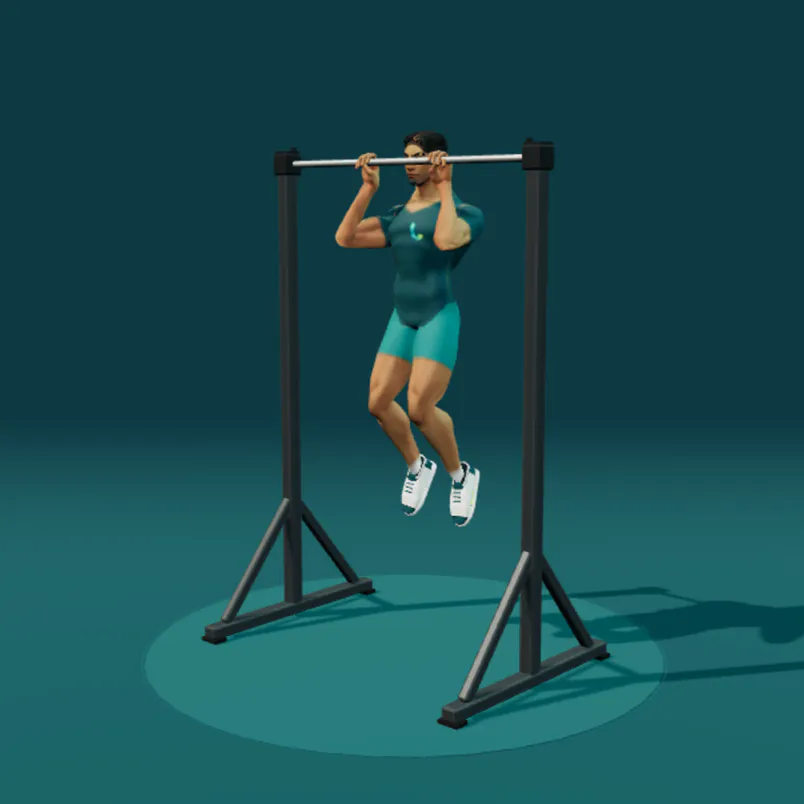
Calisthenics
51 bodyweight exercises, with steps towards a handstand or the human flag, for example.
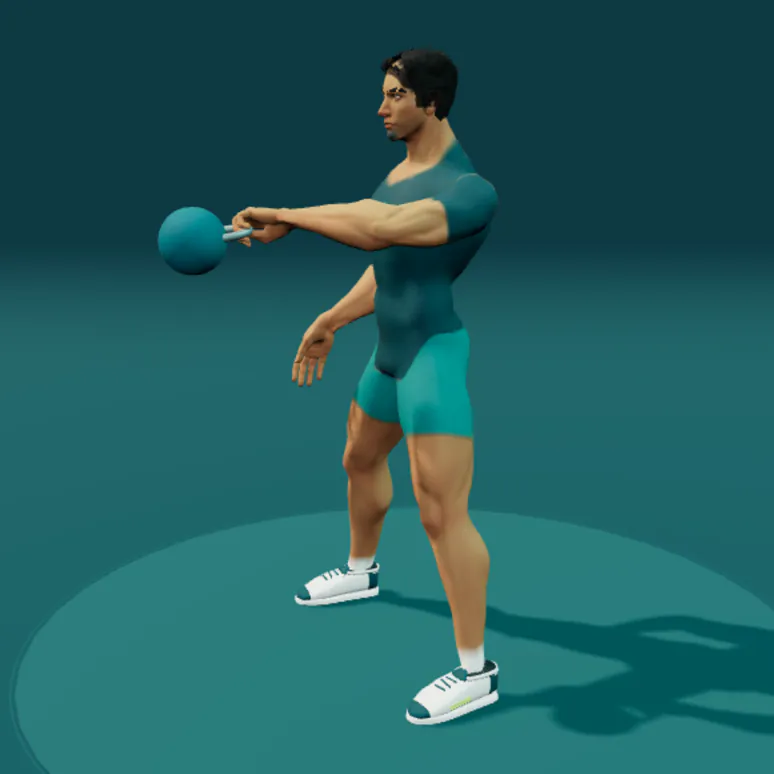
Functional training
27 exercises for varied sessions at your level, with or without equipment.
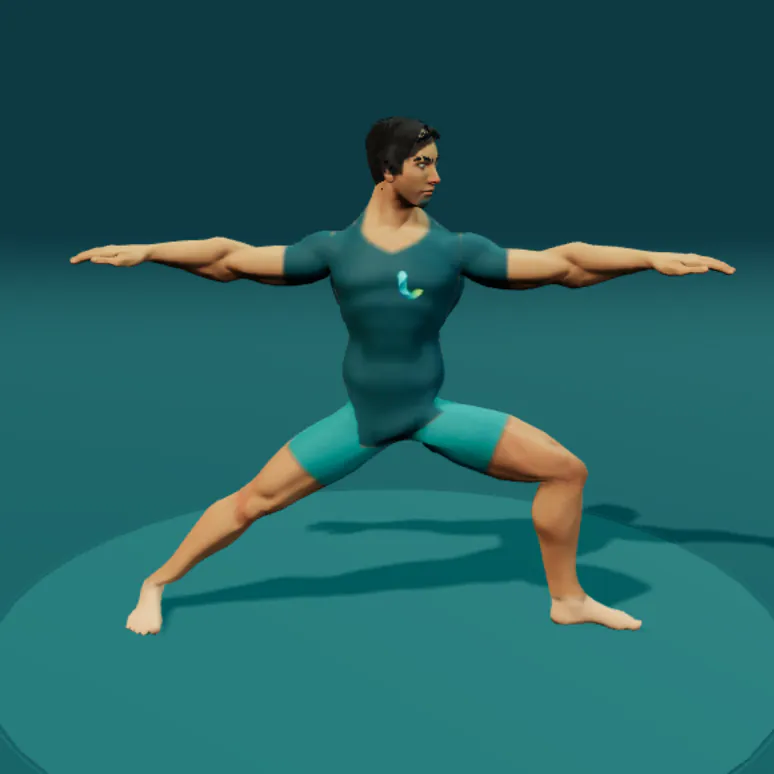
Yoga & mobility
50 poses in guided sessions, built up calmly and at your own level.
- 29 sportsFrom padel and tennis to climbing, hockey, skating and skiing. Choose them for your week and keep track.
- In 3DFrom strength training and pilates to yoga, calisthenics and Functional training: 439 exercises in 3D, from every side.
- StepsToday's steps on Home, with a step goal if you like. How connecting works
FOOD
What are we eating this week?
Choose from 408 meals and 106 snacks or add your own recipes: photograph, type or paste a recipe and LivuFit reads it in. You check it before you save it.
LivuFit suggests dinners that match your preferences. Dishes you eat more often come back by themselves. The shopping list works in packs as you buy them and takes into account what you already have at home.
While you cook, cooking mode gives you the steps and cooking timers.
Read how we create our recipes and images

FOOD DIARY
Say what you ate. LivuFit helps fill it in.
Scan a barcode, search for a product or describe in plain words what you ate. LivuFit suggests nutrition values that you check and adjust yourself.


Where possible we use Dutch NEVO data. AI estimates stay marked as estimates.
PLAN AND LOOK BACK
Plan ahead. Look back.
Put workouts and meals in your agenda and follow only what matters to you: training, food, water, weight and body measurements. Tracking weight and measurements is optional.


CONNECT
What you already track counts.
Do you use a sports watch, step counter or smart scale? Through Apple Health or Health Connect, LivuFit only uses what you choose. So you have less to fill in yourself.


You choose what you share. LivuFit never reads your heart rate or routes.
Works when your watch, sports app or scale shares its data with Apple Health (iPhone) or Health Connect (Android).
YOUR RHYTHM
Fits around your week.
- Pause workouts or pick a lighter session when your week turns out differently.
- After each training block you choose how to continue: a level up when you are ready, the same plan or a calm week first.
- Let other sports count by switching muscle groups off; your training plan takes it into account.
- Reached your target weight? Choose whether to keep your weight within a range or set a new goal.

THE STORY BEHIND LIVUFIT
Healthier living, in the middle of real life.
I build LivuFit as a father, an entrepreneur and someone who works out at home. Not for perfect weeks, but for a way of living healthier that still fits when work, family or recovery need more attention.
Read the story behind LivuFitWhat happens to my data?
LivuFit uses what you record, such as workouts, food and measurements, for your plan, your nutrition calculations and your insights; it is kept on your device and in our database in Frankfurt (EU). The app has no advertising trackers, and we only collect pseudonymous usage statistics if you allow it. Technical error reports help us find problems and never include health data or the contents of your logbook. The privacy notice explains exactly which data we process and why.
Does LivuFit guide pregnancy or medical recovery?
No. LivuFit can take pregnancy or breastfeeding into account in how you use the app, but it gives no diagnosis, treatment or medical guidance. Always discuss medical questions and recovery with a suitable healthcare professional.
What will LivuFit cost?
After launch we expect €3.50 per month, with no minimum term. The final price and terms will follow before the start.
Do I need experience or a gym?
No. For workouts LivuFit takes your experience, available time and equipment into account. You can train at home or in the gym, or only use recipes and your food diary.
BY INVITATION
Would you like to use LivuFit yourself?
LivuFit is by invitation. Leave your email address and we will email you as soon as you can start.
On Google Play, coming soon to the App Store. LivuFit works on Android, iPhone and in the browser.
After launch, expected to cost €3.50 per month. About the subscription
Already have access? Sign in · Downloads for testers